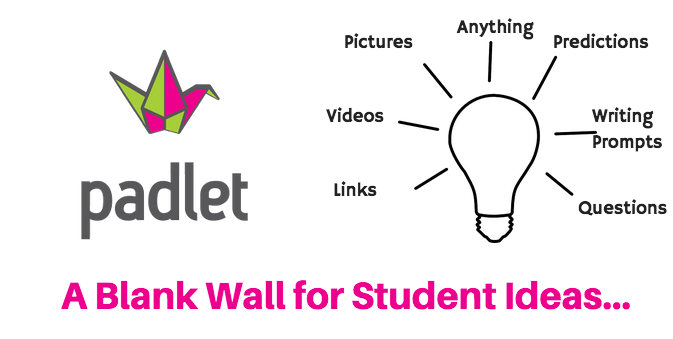
In my VLE I used Padlet as a collective wall where information relating to a particular subject can be addressed by a number of methods. The collective wall allowed me to attach pdf’s, Youtube videos, audio presentations like for example a podcast or webinar all relating to the subject I required. The padlet allowed interaction with students wherby students, after being given permission can post comments, videos or simply share their knowledge and experience which I encouraged them to do. Padlet is described as an online noticeboard and with this in mind it can be used for a number of interactive ways to make a subject interesting, interactive and synchronous and also asynchronous.
I used Padlet as a means of presenting a subject in a different format to the platform I am using which is Google Sites. I also found it easy to insert other learning tools into Padlet simply by dragging over and dropping onto the Padlet wall. I preferred using Google Sites as my VLE platform simply because of the presentation format. I like the linear, structured format that Sites offers compared to a dashboard style of Padlet. It made devising and following the modules of a given subject easier.

 Elearning Journey